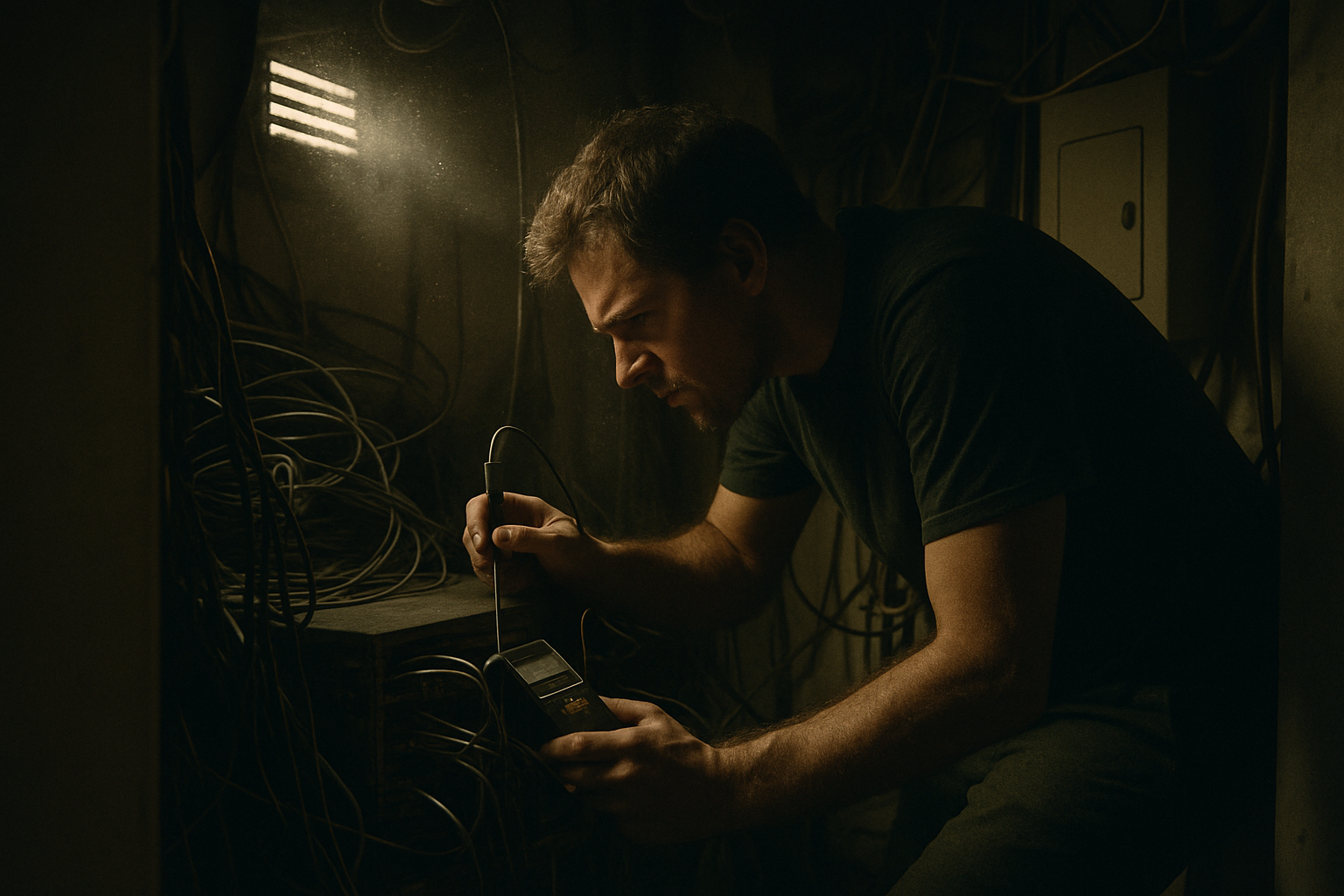
A Colorado Springs office can spend plenty on switches, firewalls, and internet service, then quietly shorten equipment life by putting it all in the wrong room. I see this more often than most leaders expect. The network is designed on paper, but the physical environment gets treated like an afterthought, especially in small equipment rooms and converted supply closets.
A business can tell whether its network closet is too hot for its equipment by comparing the actual room and device temperatures to each manufacturer’s rated operating range, then checking whether airflow, dust, rack spacing, and UPS heat are pushing gear toward or beyond those limits for long periods. The right question is not “Is the closet warm?” It is “Are these specific devices operating within their documented environmental conditions day after day?”
That is the issue I want to put in front of Colorado Springs leadership teams. Not every slowdown or outage is caused by heat, and I am not going to pretend otherwise. But sound network design includes the physical environment, not only configuration and connectivity. If the room is wrong, even correctly configured equipment can run hotter, age faster, and become less reliable.
How can a business tell whether its network closet is too hot for its equipment?
Start by checking the manufacturer operating limits for each switch, firewall, UPS, and related device, then compare those limits to what the room actually experiences during normal business hours, after-hours, and warmer days. A network closet temperature business review should be based on documented equipment ratings, not a made-up universal “safe” temperature.
Here is a common Colorado Springs example. A mid-sized office has 65 employees, a few phones, Wi-Fi access points, security appliances, and a firewall feeding cloud apps and voice traffic. The network gear lives in a converted closet near the back offices. It used to hold paper supplies. The return air is weak, the door stays shut, one wall vent is blocked by boxes, and a UPS sits at the bottom of the rack adding its own heat. Two switches are stacked tightly with almost no breathing room. By mid-afternoon, the closet feels noticeably hotter than the hallway.
That office may never describe the problem as “environmental.” They are more likely to say the phones act odd, the firewall seems touchy, or the closet has always been warm. I usually tell them the same thing first: if you have not checked the operating specs, you do not yet know whether the room is acceptable.
Most major network equipment makers publish operating temperature and humidity ranges in their product documentation. Cisco, HPE, and Vertiv all document environmental limits for networking and power equipment. Those ranges vary by model. That matters. A business should not assume the switch, firewall, and UPS all share the same tolerance.
- Find the exact model numbers.
- Pull the manufacturer spec sheet or hardware installation guide.
- Look for operating temperature, non-operating temperature, humidity, and airflow clearance guidance.
- Check if the stated rating assumes front-to-back airflow, side clearance, or rack mounting.
- Verify whether any device sensors can report internal temperature.
What should leaders compare against, room temperature or device ratings?
Compare against device ratings first. The room matters because it affects the devices, but the decision point is whether each device is being asked to run outside its documented operating conditions.
A closet can feel “not too bad” to a person and still be a poor environment for electronics, especially in a tightly packed rack. Room temperature is only part of the picture. Intake air at the front of a switch, exhaust air at the rear, and heat trapped around a firewall or UPS all matter. In a small closet, those temperatures can differ more than leaders expect.
What is sustained heat, and why is it a bigger concern than a short spike?
Sustained heat means equipment spends hours, days, or weeks near the upper end of its rated operating range, or over it. A brief spike when someone opens the closet door after lunch is less important than repeated long exposure.
ASHRAE has long provided thermal guidance for data processing environments because heat management directly affects equipment operation and longevity. You do not need a data center to borrow that logic. A converted closet with poor ventilation can create a mini hot zone that stays elevated every afternoon.
Colorado Springs offices often have wider temperature swings than people account for. A closet that seems acceptable on a cool March morning can run very differently during a July afternoon, or after a building HVAC setback overnight. In older office buildings and small flex spaces around the Springs, converted closets are common, and they rarely got designed around network airflow.
What environmental problems usually make a network closet run hotter than expected?
The usual culprits are blocked airflow, gear packed too tightly, dust buildup, added heat from UPS units, and closets that were never meant to hold active electronics. A network closet temperature business issue is often a room design issue in disguise.
In the Colorado Springs office example above, the heat problem is not mysterious. It is cumulative.
- The closet has weak ventilation.
- The wall vent is partially blocked.
- The rack has little spacing between hot devices.
- The UPS adds heat low in the rack.
- Dust has collected on intake areas and fan openings.
- The door stays shut, trapping exhaust heat.
I like simple observations here. You do not need a six-figure monitoring project to notice that hot air has nowhere to go.
Common mistake: treating the closet like storage space
Boxes, spare monitors, paper supplies, and old cabling often end up in the same small room as active network gear. That blocks vents, changes airflow, traps dust, and makes it harder to inspect equipment. A network closet is part of the network design, not extra storage.
How much does spacing actually matter inside the rack?
Spacing matters because electronics do not only need a room within range. They need a path for intake and exhaust air. Devices stacked tightly can feed each other preheated air.
A weak example is two switches, a firewall, and a cable modem crammed into a short wall rack with patch panels pressing cables against vents. A stronger setup leaves the clearances the manufacturer calls for, keeps cable bundles from smothering airflow, and avoids placing the hottest exhaust directly into the next device’s intake path.
If your business is expanding phones, cameras, or access points, heat can creep up as power draw rises. That is one reason I tell clients to look at power and environment together, not separately. If you are adding PoE devices, review your PoE power budget before expanding the network, because heavier PoE loads can also mean more heat in the closet.
Does a UPS really make the closet hotter?
Yes, often more than people expect. A UPS is valuable, but it is still an electrical device with its own heat output, battery considerations, and ventilation needs.
Leaders sometimes picture the UPS as passive insurance sitting quietly in the rack. In practice, it can be one more warm box in a small enclosed room. If the UPS is oversized, aging, dusty, or installed in a spot with poor clearance, the local heat load goes up. That does not mean remove it. It means account for it.
"I do not need every client to build a server room. I do need them to stop pretending a packed supply closet is the same thing." Jeff
What should a business inspect and document before calling a network specialist?
Document what the room is doing physically, not just what the internet feels like. Good photos, model numbers, and a few simple observations will help a specialist tell whether the network closet temperature business concern is real and which part of the environment deserves attention first.
Here is what I would want a leadership team or office manager to capture:
Closet observations to document
- Exact device model numbers for switches, firewall, UPS, modem, and any server or NAS in the closet.
- Photos of the full closet, front of rack, rear of rack, ceiling area, vents, and anything stored in the room.
- Whether the room has a supply vent, return vent, transfer grille, or no visible ventilation at all.
- Whether vents are blocked by boxes, shelves, furniture, or cable bundles.
- How tightly equipment is stacked, including any device with vents pressed against another surface.
- Whether the UPS is in the same rack, and its location in relation to other gear.
- Dust visible on vents, fan inlets, filters, cable bundles, and rack surfaces.
- Whether the closet door is usually open, closed, locked, or propped.
- Temperature readings at 2 to 3 points in the day, such as 8 a.m., 1 p.m., and 4 p.m., for at least 3 business days.
- Any available internal temperature readings from the switch, firewall, UPS, or management dashboard.
- Recent building HVAC changes, seasonal complaints, or power events.
If the business has multiple offices or hybrid staff, keep the observations specific by location and define who can authorize changes before anybody starts moving equipment around. That same discipline helps in other areas of support too, which is why I often point clients to clear rules around who can authorize remote IT changes.
| What to record | Weak note | Useful note |
|---|---|---|
| Closet temperature | Gets hot sometimes | 81°F at 8 a.m., 89°F at 1 p.m., 91°F at 4 p.m., measured 3 feet from rack intake for 4 business days |
| Ventilation | Has AC nearby | No visible return vent in closet. One wall supply vent, 40 percent blocked by stored boxes |
| Rack layout | Equipment is tight | Firewall mounted directly under 48-port PoE switch, no open space, rear cabling pressed against side vents |
| UPS placement | UPS in rack | 1500VA UPS at bottom of 12U rack, warm exhaust noticeable, no side clearance |
Is dust part of the heat problem, or just a housekeeping issue?
Dust is part of the heat problem because it restricts airflow, coats vents, and can raise internal temperatures over time. It also tells you something about the room. Dusty closets usually have poor housekeeping and poor environmental control together.
The U.S. Environmental Protection Agency notes that HVAC performance and indoor air handling are affected by airflow restrictions and particulate accumulation. In a network closet, dust buildup is less about comfort and more about cooling efficiency. If a fan opening looks fuzzy, that device is not breathing the way it should.
Myth: If the network is working most days, the closet environment is probably fine.
Reality: Equipment can stay online while still operating in a poor environment for months. The issue is not only immediate failure. It is long stretches near the top of rated limits, trapped exhaust heat, dust-restricted airflow, and components aging faster than they should.
This is where business owners sometimes want me to jump straight to replacement. I usually do not. If the hardware is still within its intended role, start with the room, the spacing, the dust, and the measured conditions. That is often the cleaner engineering decision.
If your team is already reviewing broader network design questions, including segmentation and day-to-day reliability, some of the same thinking applies in areas like separating guest Wi-Fi from business Wi-Fi. Good design is never only about settings. It includes the physical setup that those settings depend on.
For Colorado businesses that need help reviewing the room, the rack, and the surrounding support approach, you can also get a feel for how we work at QuByte Systems. I have spent enough years in closets, back offices, and improvised equipment rooms to know most businesses do not need drama. They need a clear read on what is acceptable, what is not, and what to fix first.
Need a second set of eyes on whether your network closet is too hot for its equipment?
If your Colorado Springs office is running network gear in a small equipment room or converted closet, we can review the environment, compare it to manufacturer limits, and tell you what observations matter before heat shortens equipment life. Beyond IT support. Engineering what comes next.
Schedule a discovery call