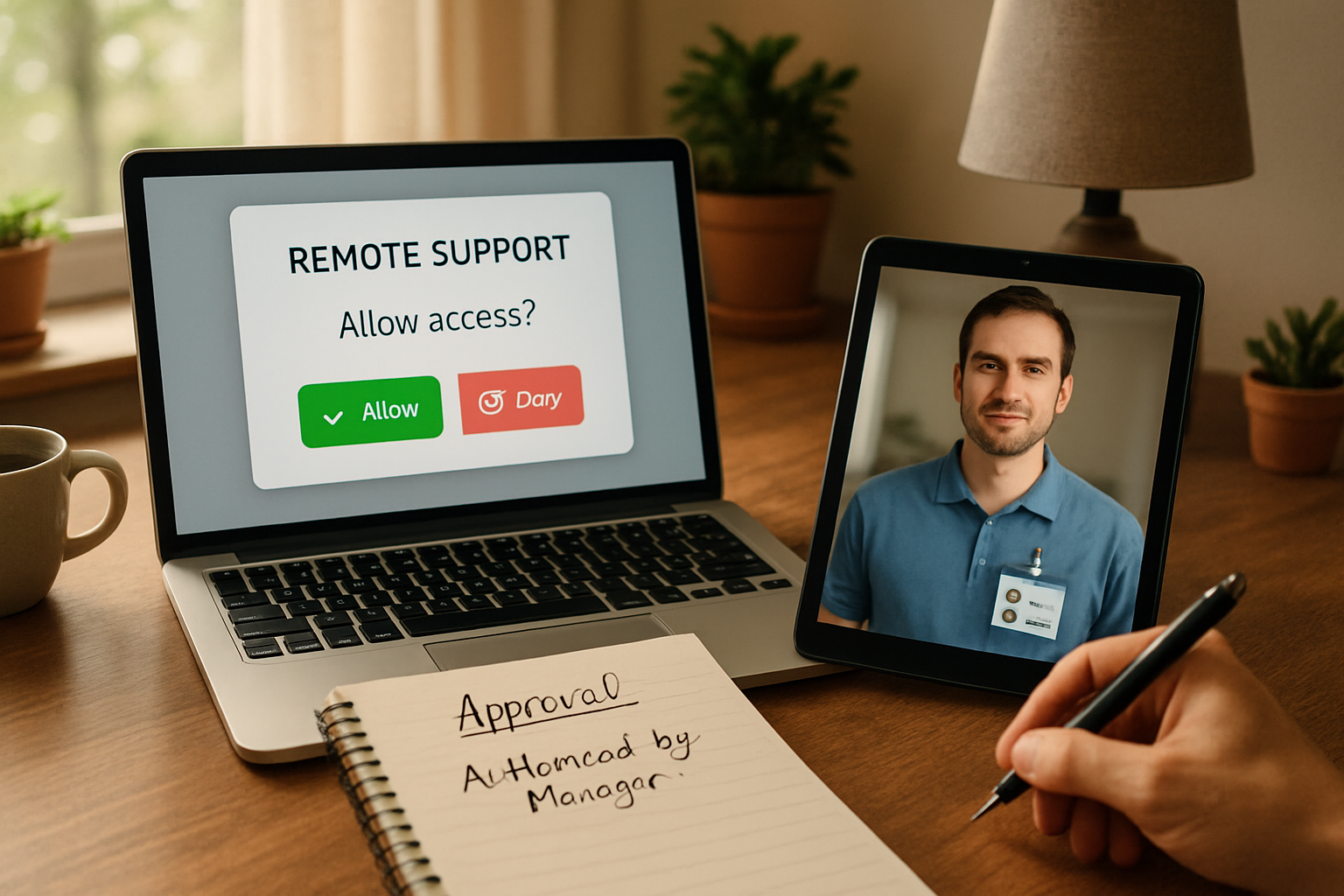
A technician gets a chat from an employee in Colorado Springs. “Can you remote in and install this app?” The connection tool works fine. That is not the real problem. The real problem is that nobody has defined who can approve the change, how the technician verifies the requester, or what record will exist after the work is done. That gap gets bigger in Q4, when teams move between the office, home workspaces, and planning meetings about next year’s systems.
A business should verify and authorize remote IT support before a technician takes control by confirming the requester’s identity through a second factor, requiring the employee’s visible approval before screen control starts, limiting what the technician may change without manager or admin approval, and keeping a record of what was changed. Good remote IT support authorization is a procedure, not just a remote-control app.
How should a business verify and authorize remote IT support before a technician takes control of an employee's computer?
A business should use a written, repeatable workflow: verify the person, verify the device, verify the requested change, get user consent to connect, and stop the session from becoming an open-ended admin exercise. If the technician cannot tell who asked, who approved, and what scope was allowed, the session should not proceed.
I would write the procedure in this order:
- Confirm the requester’s identity. Use at least 2 identifiers. For example:
- Call back using the employee’s number already on file.
- Send a one-time code to the company email or authenticator method already tied to that user.
- Match the device name and logged-in username against known records.
- Classify the request. Is it basic assistance, approved software installation, access change, security setting change, or something that touches regulated data?
- Check authority. The employee may authorize help viewing or controlling their session, but not necessarily software installs, local admin changes, browser security exceptions, or account permission changes.
- Get visible user approval. The remote tool should require the user to accept the session before control begins.
- Document the scope. The ticket should state exactly what the technician is allowed to do in that session.
- Record material changes. Log installed software, settings changed, accounts touched, and approvals used.
That is the practical answer to remote IT support authorization. The point is accountability. The technician needs permission to connect, and separate authority to make certain kinds of changes.
Here is a simple Colorado Springs example. A 45-person company has staff in an office near Powers, a few people working from home in Monument and Falcon, and department heads doing Q4 budgeting. An employee messages support asking for a PDF editor installation and a browser security setting change so a vendor site will load. The technician can connect. But the employee is not the software approver, and the browser exception may weaken a security control. Without remote IT support authorization, the technician is guessing.
What identity verification should happen before the support session starts?
Identity verification should happen outside the request itself. A chat message, email, or incoming phone call is not enough by itself. The technician should confirm the user through a second path already tied to company records, not a contact method supplied in the request.
For Colorado Springs businesses with hybrid teams, I recommend 4 basic checks:
- Known identity record. Match the employee to the HR or directory record.
- Known callback path. Call or text the number already on file, not a new number pasted into a ticket.
- Known device. Confirm the support request is coming from an assigned computer, not just any machine using the employee’s email.
- Known second factor. Use company email, authenticator approval, or a help desk verification code.
The National Institute of Standards and Technology has been plain about this for years. Identity proofing and authenticator-based verification are stronger than relying on what a person claims in a message. Support teams do not need a giant new platform to apply that thinking. They need a rule.
A weak example is, “The request came from Sarah’s email, so go ahead.” A stronger example is, “The request came from Sarah’s email, the callback matched the number in the directory, the device name matched her assigned laptop, and the ticket shows the install is pre-approved for her department.” That is a very different standard.
In Colorado Springs, Q4 often means year-end purchasing, policy cleanup, and more staff moving between office desks and home setups as weather shifts and schedules get messy. That is exactly when identity shortcuts creep in. A good authorization process matters more during busy planning windows, not less.
What approval should the user give before a technician takes control?
The user should give direct, visible approval before the session starts, and the approval should match the type of work requested. Consent to view a screen is not the same as authority to install software or change security settings.
The session should require:
- A prompt the user accepts before screen viewing or control starts.
- Clear notice that the technician may see files, applications, and active work on screen.
- Confirmation that the user understands whether the session includes control only, file transfer, or admin work.
- A record in the ticket showing who accepted the session and at what time.
I tell clients not to blur “user consent” and “business authorization.” They are different. The employee can approve someone taking temporary control of their keyboard and mouse. The business has to decide whether that same technician may install software, disable protections, or make system-level changes.
Microsoft’s security guidance at Microsoft repeatedly centers approval flows and privileged access controls for administrative actions. The same logic applies here. Remote support is not exempt just because it feels routine.
Common mistake: treating every remote session like simple troubleshooting
I see this a lot. A user asks for help opening a file, and the session quietly turns into an install, then a settings change, then an exception to a security rule. The original request was harmless. The final result was an unapproved configuration change. The fix is not more software. The fix is to define session boundaries before the technician connects.
Which technician actions need separate approval, and which can be handled during the session?
The line should be documented before the technician ever receives the ticket. Basic end-user assistance can usually happen during the session. Administrative changes need separate approval from a manager, system owner, or designated admin, depending on the risk.
A practical approval matrix looks like this:
| Support action | User approval enough? | Needs separate business approval? |
|---|---|---|
| View screen and guide user | Yes | No |
| Take mouse and keyboard control | Yes | No |
| Install pre-approved software from company catalog | Usually | Only if outside standard list |
| Install new software not on approved list | No | Yes |
| Change local admin settings | No | Yes |
| Disable antivirus, browser protections, or MFA-related controls | No | Yes |
| Change account permissions or mailbox access | No | Yes |
At minimum, I would define 5 boundaries in writing:
- What technicians may do with user consent alone.
- What requires line-manager approval.
- What requires a system owner or administrator.
- What cannot be done through a standard support session at all.
- What must trigger formal change review.
This is where remote IT support authorization becomes operational instead of theoretical. If nobody has written these boundaries down, the technician becomes the policy. That is unfair to the technician and risky for the business.
If your leadership team is already reviewing privileged access, this pairs naturally with which privileged accounts should be reviewed before year-end. Remote session authority and admin account authority belong in the same conversation.
Remote-support authorization checklist for leadership
- List 4 to 7 support actions that happen most often.
- Name who can approve each action.
- Require 2 identity checks before remote control begins.
- Require visible user consent on every attended session.
- Define which changes need manager approval.
- Define which changes need admin or system-owner approval.
- Require the ticket to record software installed, settings changed, and approvals used.
- Review the procedure during Q4 planning, before next year’s budgets and tool rollouts.
What records should the business keep after the remote session closes?
The business should keep enough record to show who requested help, how identity was verified, what approval was obtained, what the technician changed, and whether the change succeeded or was rolled back. If you cannot reconstruct the session later, you do not have accountable support.
For most small and midsize businesses, the ticket record should include:
- Requester name, device name, and time of request.
- Identity verification method used.
- User consent time for the session.
- Scope of approved work.
- Software installed or removed.
- Settings changed, with before-and-after notes for material changes.
- Any credentials, permissions, or admin tools used.
- Name of approver if separate approval was required.
- Closeout note confirming the result.
The Federal Trade Commission regularly warns businesses about impersonation and unauthorized access schemes. Good records matter for the same reason door-access logs matter. They let you prove what happened instead of relying on memory two months later.
Most businesses do not need a giant governance platform to fix this. They need a clean ticket standard and the discipline to use it every time.
For companies doing Q4 planning around software requests and AI tools, the same approval logic also shows up in how a business should approve, monitor, and retire an AI project. Different tool, same leadership job. Decide who can approve what.
Jeff's Insights
I have a simple rule here. If a technician cannot tell me who asked, who approved, and what was allowed, that session is not ready to start. I am not saying every remote support request needs a committee. I am saying the technician should never have to guess where the approval line is.
In a Colorado Springs business with 20, 50, or 120 people, this usually gets exposed during Q4. New software requests start coming in. Somebody wants a browser exception for a vendor portal. Somebody else wants a local admin change because they are working from home that week. If leadership has not written the rules down, support gets inconsistent fast. The fix is boring, and that is why it works. Write the matrix, verify identity in 2 ways, require user consent, and log the changes.
What leadership rules should be documented before hybrid teams move between office and home workspaces?
Leadership should document who approves support actions, what systems require higher approval, how identity is verified, what technicians may not do during a normal session, and how records are kept. Hybrid work makes these rules more urgent because location changes who can physically confirm the requester.
I would document 6 rules before year-end:
- Approval ownership. Name department managers, system owners, and technical approvers.
- Identity standard. Require at least 2 verification points before remote control.
- Session consent rule. Every attended session requires user acceptance.
- Administrative boundary. Local admin changes, permission changes, and security exceptions need separate approval.
- Recordkeeping rule. Material changes must be written into the ticket before closure.
- Review cadence. Recheck the matrix at least once a year, usually during Q4 planning.
If you are building next year’s support process, this is exactly the kind of operating procedure we help Colorado businesses put in place at QuByte Systems. It is not flashy. It is the difference between support that is merely fast and support that is accountable.
Frequently Asked Questions
Can an employee approve remote support for their own computer?
Yes, for viewing or taking control of their session in most cases. No, not automatically for software installs, permission changes, security exceptions, or administrative settings. Those should follow the business’s written approval rules.
Is email enough to verify the requester before a remote session?
No. Email alone is too weak for remote IT support authorization. Use a second factor such as a callback to a known number, a one-time code, or an authenticator method already tied to the employee’s account and device record.
What should be written in the support ticket after the session?
Record who requested the session, how identity was verified, who approved the work, what software or settings were changed, what admin rights were used, and whether the issue was resolved or rolled back.
Need someone to set up your remote-support authorization procedure?
If your team works between Colorado Springs offices and home workspaces, we can take this exact task off your plate. We will help you define who can approve remote sessions, where admin changes stop, and what your records need to show. Beyond IT support. Engineering what comes next.
Schedule a discovery callExplore more, or reach out directly to QuByte Systems in Colorado Springs, CO.