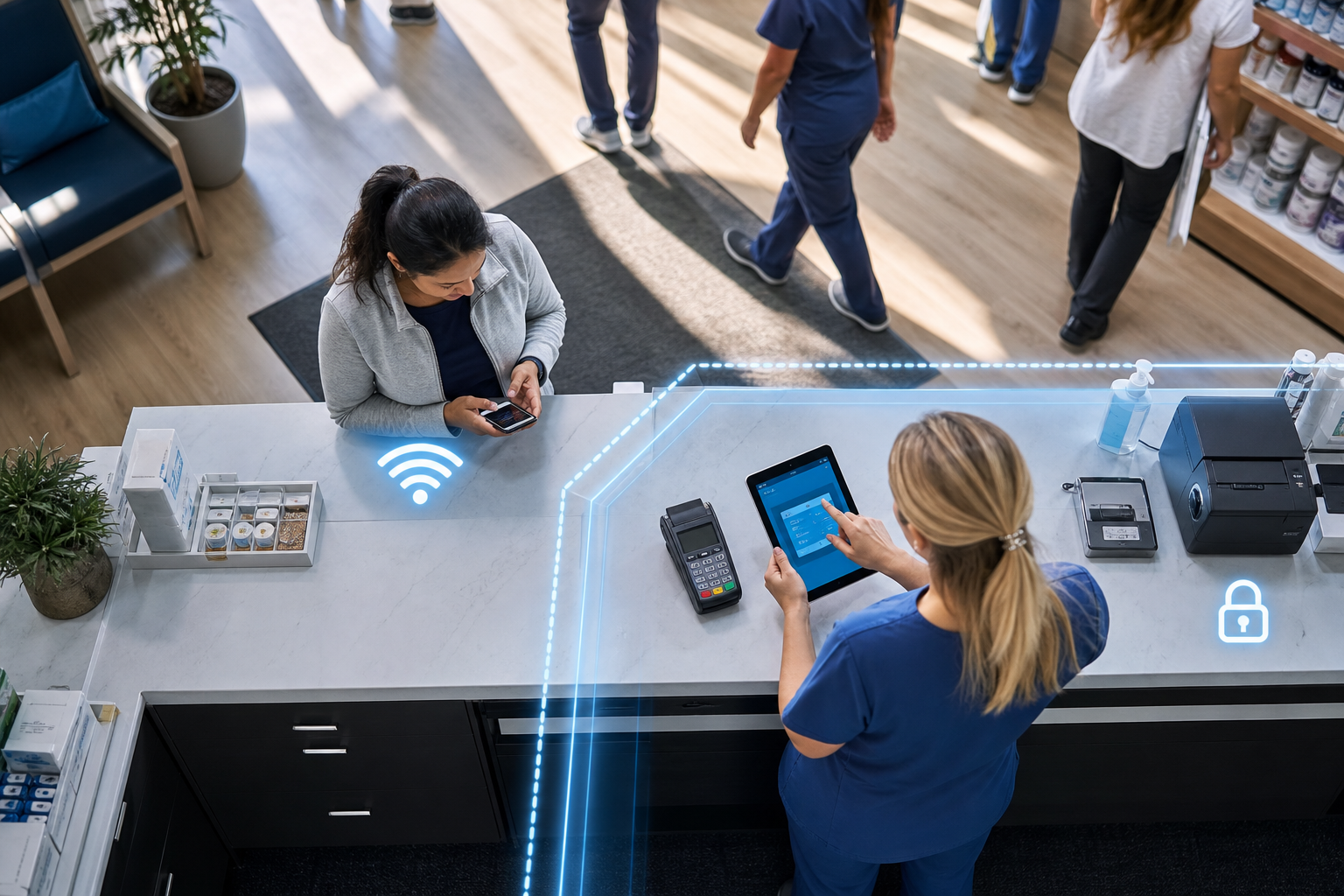
A patient walks into a Colorado Springs clinic on a busy September morning, joins the waiting-room Wi-Fi, and starts streaming video while filling out forms. On paper, that sounds harmless. It stops being harmless if that same guest device can also see a nurse-station printer, a card terminal, a copier with scanned records, or a front-desk PC because everyone is sharing one flat wireless network.
Yes. A business should usually keep guest Wi-Fi separate from its employee network, especially in healthcare and retail. Guest access should reach the internet and little else. Staff devices, payment systems, printers, and any system holding customer or patient information should sit on separate network segments with clear rules about what can talk to what.
That is the core case for guest Wi-Fi network separation for business. If your organization regularly welcomes patients, customers, vendors, contractors, or visiting reps, fall tends to bring more people back onsite, more phones and tablets in the building, and more chances for the wrong device to reach something it should never touch. At QuByte Systems, this is where we start. Before I recommend any network changes, I want to see who and what the wireless network currently allows to communicate.
Should a business keep guest Wi-Fi separate from its employee network?
Yes, most businesses should. A guest network and an employee network serve different jobs, carry different risk, and should have different access rules. If visitors only need internet access, there is no business reason for their devices to reach staff systems, payment tools, printers, or clinical equipment.
In plain English, your Wi-Fi name is not the same thing as your security boundary. An SSID is the network name people see on their phone, like “Clinic Guest” or “Store Staff.” Network segmentation is the part that matters underneath. It decides what devices on that network can actually reach.
A weak setup looks like this:
- Two Wi-Fi names.
- Same underlying network.
- Guest users get a different password, but can still discover internal devices.
A stronger setup looks like this:
- Separate SSIDs for guest and staff.
- Separate network segments or VLANs underneath.
- Rules that allow guest devices to reach the internet, but block access to internal business resources.
I tell owners this all the time: a different Wi-Fi password is not the same as separation.
What can go wrong if guest devices and staff systems share one network?
The main problem is reachability. If a guest device can see and attempt to connect to business systems, you have created exposure you do not need. That exposure can affect privacy, payment security, printing, and day-to-day operations long before anyone talks about a dramatic breach.
Here is a hypothetical Colorado Springs clinic example.
| Clinic design | What the guest device can reach | Operational risk |
|---|---|---|
| Single shared wireless network | Internet, staff laptops, nurse-station printer, check-in kiosk, copier web page, VoIP phone management page, shared storage, maybe a payment terminal network path | Accidental access attempts, easier scanning of internal devices, privacy exposure, print disruption, broader impact if one device is infected |
| Segmented guest and staff design | Internet only, or internet plus a tightly controlled visitor portal if needed | Guest activity stays contained. Staff and clinical systems remain unreachable from visitor devices |
That does not mean every guest is malicious. It means you should not count on every visitor device being clean, current, and well-managed. According to the Verizon Data Breach Investigations Report, the human element remains involved in a large share of security incidents. Different reports slice that category in different ways year to year, but the practical lesson is stable: normal people, normal devices, and normal mistakes are enough reason to limit access.
In Colorado Springs, this question tends to come up right as fall routines return. Schools are back, medical appointments pick up, retail traffic changes around holiday planning, and more vendor reps and family members are in buildings with phones in hand. More people onsite usually means more unmanaged devices on Wi-Fi.
In a clinic, the shared-network design can expose:
- Front-desk workstations handling scheduling and insurance details.
- Multifunction printers and copiers storing recent scan or print jobs.
- Label printers used for specimens or patient paperwork.
- Tablets used for intake or exam-room workflows.
- VoIP phones and their admin pages.
- Network storage holding forms, exports, or archived files.
In a retail environment, the list changes slightly:
- Payment terminals and point-of-sale back office systems.
- Receipt printers and office printers.
- Inventory scanners and handhelds.
- Store-office PCs with payroll, scheduling, or vendor records.
- Security camera management interfaces.
What should guests never be able to reach on business Wi-Fi?
Guests should generally be able to reach the internet and little else. In a clinic or retail setting, visitors should not be able to browse, ping, open, or authenticate to systems used for payments, printing, patient data, staff work, or device management.
Here is the practical no-access list I would want leaders to review:
Resources guest devices should not reach
- Staff laptops and desktops.
- Shared folders, file servers, and NAS devices.
- Business printers, label printers, and copier admin pages.
- Payment terminals, POS back office tools, and card-processing devices.
- Clinical devices and supporting workstations, including imaging, lab, intake, or charting endpoints.
- Wi-Fi controller, firewall, switch, or camera login pages.
- VoIP phone admin interfaces and provisioning systems.
- Staff-only tablets, kiosks, and scheduling systems.
There can be exceptions, but they should be intentional and documented. If you run a visitor kiosk, a patient check-in tablet, or a vendor portal, the access rule should name that exact destination and nothing broader.
I am not looking for a perfect whiteboard diagram first. I am looking for a short list of business resources and a yes-or-no answer on whether guest devices can reach them.
If your leadership team is also reviewing who owns other systems and access rules, the same discipline applies beyond Wi-Fi. We have written about assigning clear ownership before new tools spread through the business in Before Buying an AI Copilot, Map Who Owns the Work It Will Change.
What are SSIDs and network segmentation in plain English?
An SSID is the Wi-Fi name users select. Network segmentation is the fence line behind that name. You can have 2 SSIDs that are truly separate, or 2 SSIDs that still share the same neighborhood underneath. The name alone does not prove isolation.
A simple way to explain it to a nontechnical team is this:
- An SSID is the front door label.
- A segment or VLAN is the part of the building you are allowed into.
- Firewall rules are the locked interior doors.
For many Colorado Springs healthcare and retail organizations, a sensible starting layout is 3 to 5 segments, not 15:
- Guest Wi-Fi.
- Staff computers and phones.
- Printers and infrastructure devices.
- Payment or POS systems.
- Clinical or other regulated systems, if applicable.
That is often enough to reduce unnecessary exposure without turning the environment into a science project. I am quick to say what a business does not need to buy. Many organizations already have wireless and firewall gear capable of basic segmentation. The better question is whether it has been configured around real access boundaries.
Common mistake: treating “hidden” as “secure”
Some teams hide an SSID or rotate the guest password and assume that solved the problem. It did not. If guest devices still land on the same internal network as staff devices, the exposure remains. Hidden names and changed passwords can be useful housekeeping. They are not a substitute for actual network separation.
If you want a local team that starts with how your business runs, not with a pile of replacement quotes, that is the approach we take at QuByte Systems.
What access test should a clinic or retailer request before approving network changes?
Ask for a reachability test from the guest network to the systems guests should never touch. The result should be observable and easy to understand. A leader does not need to read switch configs to approve a network boundary. They need proof that a guest device cannot get where it should not go.
Here is a practical 7-step access test an owner or operations leader can request:
- Connect one unmanaged device, such as a personal phone or test laptop, to the guest SSID.
- Confirm it receives internet access and can browse normally.
- Attempt to discover internal devices on the network, including printers and shared computers.
- Attempt to open the web page of a copier, printer, firewall, camera system, or phone system by IP address.
- Attempt to reach one staff file share or business application host that should be blocked.
- Document pass or fail results for 8 to 12 named resources.
- Repeat after any change and keep the result with network documentation.
A clean result sounds like this: guest Wi-Fi can browse the internet, but cannot ping, discover, or open any of the 10 internal resources tested.
A weak result sounds like this: guest Wi-Fi uses a different password, but the test laptop can still see 6 printers, 2 Windows PCs, and the copier login page.
That is the kind of before-and-after proof I want a client to have. The test is simple enough for an operations leader to understand and specific enough for an engineer to verify.
If your team also depends on after-hours support when something breaks, define that before the emergency. This is closely related to who owns the network boundary and who validates it after changes. We covered that in After-Hours IT Support: What Should a Small Business Define Before an Emergency?.
How should Colorado Springs clinics and retailers decide what to separate first?
Start with systems tied to money, regulated information, and daily operations. If a visitor never needs direct access to it, separate it first. The goal is not maximum complexity. The goal is minimum necessary communication between devices.
I usually suggest leaders review 4 categories in this order:
- Payment environments and POS tools.
- Patient or customer information systems.
- Printers, copiers, and device admin pages.
- Staff workstations, phones, and shared resources.
Then ask these 5 questions:
- Who uses this system every day?
- Does any guest or visitor truly need to reach it?
- What breaks if it is exposed or interrupted?
- Can we name the exact systems that should be allowed to talk to it?
- How will we test that the rule works after the change?
For healthcare, that often means separating patient Wi-Fi from charting devices, intake tablets, and scan or print workflows. For retail, it usually means separating customer Wi-Fi from POS back office systems, payment devices, and inventory tools. In both cases, staff resources belong on a different segment than visitors.
There is also a seasonal reason to do this review before the end of the year. Colorado weather does not just bring snow. It brings busy indoor spaces, holiday traffic, and more shared facilities use. The network design that felt fine in July can look thin in October when more people are in the building.
Frequently Asked Questions
Does having two Wi-Fi names mean the guest network is already separate?
No. Two SSIDs can still sit on the same underlying network. Ask whether the guest SSID is on a separate segment or VLAN, what firewall rules apply to it, and whether a guest device can reach internal printers, PCs, or admin pages.
Can a small clinic or store with 10 to 150 employees justify guest Wi-Fi network separation for business?
Yes. This is not only for large campuses. Small and midsize healthcare and retail organizations often have the same basic exposure points: printers, payment tools, copiers, tablets, phones, and staff PCs. The right scope is usually straightforward, and the proof should come from access testing, not from buying more than you need.
See the boundary before you approve the change
If you are evaluating guest Wi-Fi network separation for business, we can review your current wireless setup, map what guest devices can actually reach, and show the pass or fail results in plain English before recommending network changes. That is how we help Colorado Springs clinics and retailers decide what to fix first. Beyond IT support. Engineering what comes next.
Book a discovery callExplore more, or reach out directly to QuByte Systems in Colorado Springs, CO.