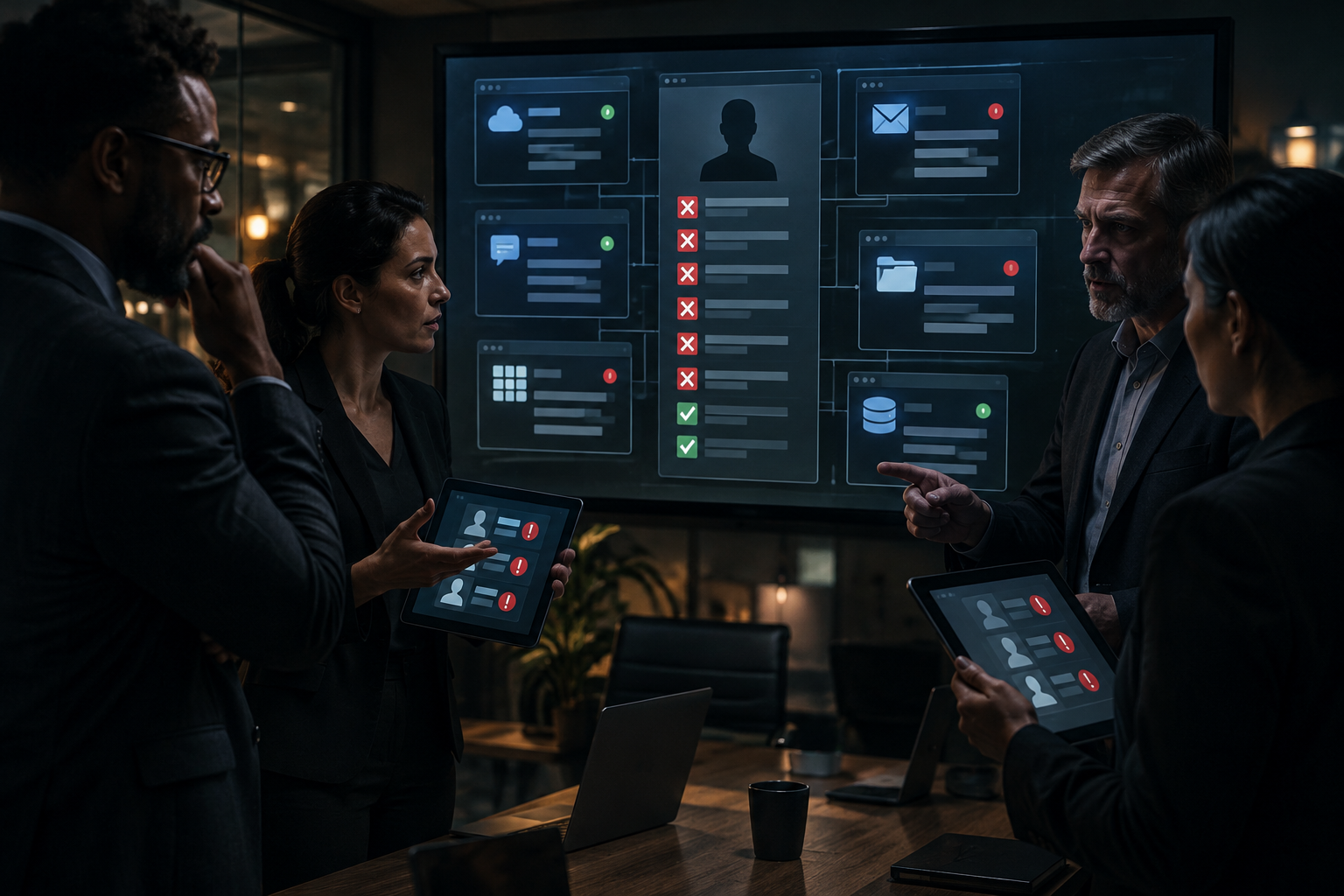
A controller in Colorado Springs tells IT, “We shut off the Microsoft 365 account, so we’re done.” Then three days later a client file is still being updated in a separate estimating platform, a Dropbox folder is still syncing from the person’s home laptop, and a browser session on a company iPad is still signed in. That is the real offboarding problem. It is not a box to check during a busy week. It is an operations control that breaks across systems, people, and timing.
What technology access should a business remove when an employee leaves? Remove access across every system the employee used, not just Microsoft 365. That usually includes email, line-of-business SaaS apps, shared logins, VPN or remote access, active sessions, company devices, saved credentials, and any admin or approval rights. The exact list depends on the business, industry, and retention needs, but ownership and verification should never be left vague.
I see this most often in small and midsize businesses that grew into cloud tools one team at a time. Microsoft 365 is the obvious first move, but it is rarely the whole move. If your HR manager, office manager, and outside IT all assume someone else handled the rest, the gap stays open. A good employee offboarding IT checklist exists to close that handoff problem.
What technology access should a business remove when an employee leaves?
Remove access to identity systems, SaaS apps, devices, remote access methods, shared credentials, active sessions, and any delegated authority tied to the person’s role. If the employee touched it to do their job, it belongs on the offboarding list, even if the login does not live inside Microsoft 365.
Here is the practical sequence I recommend for Colorado Springs businesses formalizing offboarding across cloud services:
- Identify every system tied to the employee.
- Assign one owner for disablement and session termination.
- Recover company devices and credentials.
- Verify, after departure, that access is actually gone.
A hypothetical example makes the point. Say a 28-person construction supplier in Colorado Springs uses Microsoft 365, QuickBooks Online, a shipping portal, DocuSign, a CRM, and one vendor quoting tool created years ago under an employee’s personal work email. On Friday at 4:30 p.m., Microsoft 365 sign-in is blocked. Good start. But the person still has:
- An active browser session in the vendor quoting tool.
- A saved shared password for the shipping portal.
- Access from a company phone that has not been collected yet.
- A still-connected Dropbox client on a home PC.
That is why an employee offboarding IT checklist cannot stop at “disable email.”
Minimum systems list to tie to offboarding
- Microsoft 365 or Google Workspace account.
- Business email and any shared mailboxes.
- Line-of-business SaaS apps, including payroll, CRM, ERP, project tools, e-signature, quoting, and file sharing.
- Phone system apps, softphones, texting platforms, and call recording portals.
- VPN, remote desktop, remote support tools, and privileged admin access.
- Company laptops, phones, tablets, and removable storage.
- Password managers, shared credentials, API tokens, and saved browser passwords.
Microsoft reports there are more than 2 million monthly active users in the Microsoft Entra admin center, which tells you how many businesses are now depending on cloud identity as a core control, not a side task, according to Microsoft. Identity matters, but identity is still only one layer.
Why is disabling one Microsoft 365 sign-in not enough?
Disabling Microsoft 365 stops one identity path, but it does not automatically close separate SaaS accounts, shared passwords, remembered browser sessions, or devices that were already signed in. A person can lose email and still keep business access somewhere else.
This is the handoff gap I keep seeing. Leadership assumes the cloud is centralized. In practice, most businesses have at least 10 to 25 meaningful systems in use, and several were added directly by departments over time. Some support single sign-on. Some do not. Some hold sessions for days or weeks.
The Cybersecurity and Infrastructure Security Agency, or CISA, consistently emphasizes identity, credential, and device control as part of access management. That fits the real-world offboarding problem better than a narrow mailbox view.
What gets missed most often?
Separate vendor accounts, shared logins, and active sessions get missed most often. Those are the three places where “we already disabled the account” creates false confidence.
- Separate SaaS account. The employee was invited directly with a work email, but the app does not depend on Microsoft 365 for sign-in.
- Shared credential. A team uses one login for a shipping site, social account, scanner portal, or supplier catalog.
- Active session. The account was disabled after the browser or mobile app had already authenticated.
If you want a nearby example of why account detail matters, I wrote about reviewing unauthorized Microsoft 365 forwarding rules. The same lesson applies here. A single account action does not tell you what persists around it.
Myth: Once HR sends the termination notice and IT blocks Microsoft 365, the access problem is handled.
Reality: Offboarding is handled only after the business confirms all connected apps, devices, sessions, and credentials tied to that person have been removed or reassigned. Email disablement is one action in a larger control sequence.
My plain opinion here is simple. Most businesses do not have a policy problem first. They have an inventory problem.
Who should own account disablement and session termination?
One named role should own the disablement sequence, and one named manager should confirm business context such as timing, retention, and transfer needs. If ownership is split vaguely between HR, department managers, and outside IT, tasks get skipped.
For small and midsize companies, ownership usually looks like this:
| Task | Primary owner | Business check |
|---|---|---|
| Departure notice and timing | HR or leadership | Same-day, future-dated, or immediate removal |
| Account disablement | Internal IT or managed IT | All listed apps included |
| Session termination | Internal IT or managed IT | Mobile apps, browsers, remote access tools |
| Data and ownership transfer | Department manager | Mailbox, files, approvals, client records |
| Verification after departure | IT owner, documented | Evidence stored with offboarding record |
What should happen the same day?
The same day, the business should disable listed accounts, revoke sessions where available, collect or lock down company devices, and reset any shared credentials the person knew. If the departure is immediate, this happens before or during the conversation, not hours later.
NIST guidance on access control and digital identity focuses on making sure only authorized users retain access, according to the National Institute of Standards and Technology. That sounds obvious, but it is exactly where many offboarding workflows go soft. Authorization ends at departure. Systems should reflect that quickly.
Weak process versus stronger process
Weak: HR emails “John left today” at 5:12 p.m. IT disables email Monday morning. Nobody checks the CRM, phone app, shared passwords, or company-issued iPhone until later that week.
Stronger: HR starts a departure ticket with a departure time, manager, device list, and application list. One owner executes the offboarding sequence at 3:00 p.m., confirms session revocation by 3:30 p.m., and logs device return and shared credential resets before close of business.
If you use outside support, this is also where authority matters. I covered that in who can authorize changes before a technician connects. Good support is not just fast. It is clear about who can tell us to shut down access, when, and for whom.
How should a business handle devices and credentials after departure?
Recover company-managed devices, remove business data from them where appropriate, and reset any credential the employee knew or stored. A laptop pickup without credential cleanup is incomplete, and a password reset without the phone or tablet return is also incomplete.
This part gets practical fast:
- Laptops and desktops. Confirm return, encryption status, and whether local data needs preservation before wipe or reassignment.
- Phones and tablets. Remove from management or lock them, depending on whether the device is company-owned or part of a documented bring-your-own-device arrangement.
- Saved credentials. Clear browser-stored passwords, password manager access, and remembered logins in company-managed browsers or apps.
- Shared accounts. Change passwords for any system still using common credentials.
- Physical tokens and badges. Recover keys, fobs, and any USB security devices if the business uses them.
What about phones, texting, and communications tools?
Business phone apps, SMS platforms, and call recording portals should be part of offboarding if the employee used them. Customer communication access is still access, even if it does not look like a typical IT system.
That matters for Colorado businesses with mobile staff, service teams, and front desks. If someone kept a softphone app on their personal device or stayed logged into a business texting platform, your customer communication path is still open. Retention and access rules vary by industry, so the transfer or shutdown process for those systems should match your own requirements, not someone else’s template.
In Colorado Springs, this often shows up in field-heavy businesses. A tech leaves with a phone during a snow day schedule change, or a manager works remotely during a Front Range storm and forgets the tablet issued for vendor approvals is still in use. Weather and distributed work do not cause the control gap, but they do expose weak handoffs.
At QuByte, we handle this kind of practical systems sprawl every week across phones, networks, cloud apps, and day-to-day support. If you want the broader view of how we approach that, see QuByte Systems.
What should be documented and verified after the employee leaves?
Document what was removed, who removed it, when it happened, what was recovered, and what still required reassignment or retention. Then verify at least one step after departure that the access really ended. If it is not verified, it is an assumption.
The documented verification step is where an employee offboarding IT checklist becomes a control instead of a nice intention. I like a short, repeatable record with these fields:
- Departure date and exact disablement time.
- Systems reviewed and result for each one.
- Device return status.
- Shared credential resets completed.
- Manager signoff for data transfer and retention handling.
- Post-departure verification performed within 24 hours.
What does verification actually look like?
Verification means checking evidence, not just trusting a task was marked done. That can mean confirming the account is disabled in the app, the session list is cleared, the device checked in, or the shared password was changed and redistributed only to current staff.
Specific retention and access requirements vary by business and industry. A clinic, contractor, law office, nonprofit, and manufacturer will not all keep the same records the same way. The control is the same, though. Decide what stays for business reasons, decide what access ends, and write down the proof.
My advice is to keep this simple enough that it gets used every time. A 2-page employee offboarding IT checklist that names systems, owners, and verification beats a 14-page policy nobody follows.
Jeff's Insights
I have been around enough departures to know the awkward part is not the technology. It is the assumption that somebody else already handled it. The office manager thinks the outsourced help desk took care of the apps. The tech assumes HR knows which devices are still out. The department lead forgets about the one estimating tool nobody has touched in six months. Then everybody is surprised when access is still live.
If you want this to work, make it boring. Keep a current app list. Put one person in charge of executing the sequence. Require a manager to confirm what needs to be retained or reassigned. Then verify it after the fact. That is not overbuilding. That is basic operational discipline, and it saves a lot of cleanup later.
Colorado Springs businesses do not need a giant governance project to fix this. They need a current inventory, clear ownership, and a real employee offboarding IT checklist tied to the tools people actually use.
Need us to handle your offboarding access review?
We can take this exact task off your plate. We will review your current systems, map the offboarding sequence across Microsoft 365, SaaS applications, devices, and credentials, and help you put a workable employee offboarding IT checklist in place for your Colorado Springs business. Beyond IT support. Engineering what comes next.
Schedule a discovery callExplore more, or reach out directly to QuByte Systems in Colorado Springs, CO.