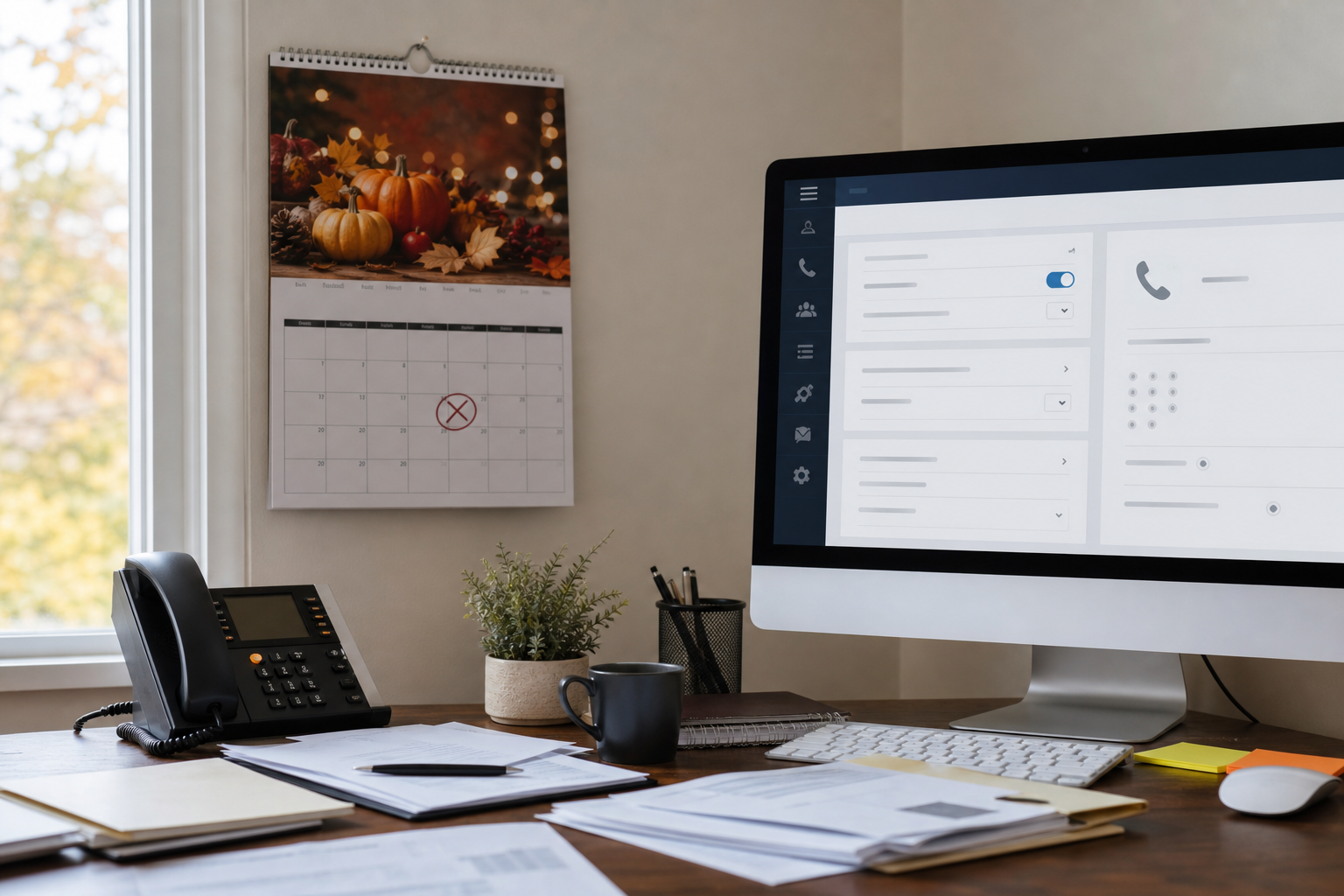
Your weekly phone hours can be completely correct and still fail your callers on Thanksgiving morning. I see this one a lot in Colorado Springs. A business closes for Thursday and Friday, nobody enters the holiday exception, and callers hear the normal “Thanks for calling, our office is open Monday through Friday” greeting with menu options that assume someone is sitting at a desk.
To configure a business phone system for holiday closures, keep the normal weekly schedule in place and add date-specific holiday overrides for each closure day. Record or assign a closed greeting, define where urgent calls should go versus routine calls, and test the live call flow from an outside number before staff leave. The exact menu behavior, voicemail handling, and override priority vary by platform, so verification matters.
That is the distinction that gets missed. This is not a staffing problem or a call-volume problem. It is a calendar exception problem. A proper business phone holiday schedule tells the system that a specific date behaves differently than a normal Thursday or Friday.
Say a Colorado Springs medical billing office near Garden of the Gods Road has its regular hours set correctly: Monday through Friday, 8:00 a.m. to 5:00 p.m. Thanksgiving Day lands on a Thursday. If the Thanksgiving closure was never entered, the phone system still treats that day like any other Thursday. Callers may hear the standard open-hours greeting, press 1 for billing, press 2 for records, then ring extensions that nobody is answering. In some systems, they can even loop through options for 30 seconds or 60 seconds before ending in the wrong mailbox.
I like to keep this simple. If a caller reaches you on a closed day, they should hear something that matches reality within the first few seconds.
How should a business phone system be configured for holiday closures?
A business phone system should be configured with date-based holiday overrides that temporarily replace the normal weekly schedule, greeting, and routing. Each holiday entry should specify the exact dates and times affected, what callers hear, and where urgent versus routine calls end up.
A complete business phone holiday schedule usually has four parts:
- The date and time window. Example: November 28, 12:00 a.m. through November 29, 11:59 p.m.
- The greeting callers hear. A closed message for that period, not the standard open-hours message.
- Menu behavior during closure. Options may be reduced, changed, or removed.
- Destination rules. Urgent calls may route to an on-call destination. Routine calls should usually go to a monitored voicemail box or informational message.
For example, a stronger holiday greeting sounds like this:
- Weaker version: “Thank you for calling. Our office is open Monday through Friday from 8 to 5. For sales, press 1. For support, press 2.”
- Stronger version: “Thank you for calling. Our Colorado Springs office is closed for Thanksgiving on Thursday and Friday, November 28 and 29, and will reopen Monday at 8:00 a.m. If this is urgent and you need after-hours support, press 1. For all other matters, please leave a message and we will return your call on the next business day.”
The stronger version answers the caller’s real question in under 20 seconds. It matches the calendar, gives a reopening time, and separates urgent from routine.
Why are normal weekly schedules not enough?
Normal weekly schedules are not enough because they repeat by day of week, not by specific calendar date. A Thursday rule does not know the difference between a routine Thursday in October and Thanksgiving Day unless a holiday override tells it otherwise.
This is where many businesses get tripped up. The weekly schedule is not wrong. It is incomplete.
Here is what commonly happens when only the weekly schedule exists:
- The auto attendant plays the open-hours greeting on a closed holiday.
- Callers hear department options that ring unanswered extensions.
- Voicemails land in individual mailboxes that nobody checks until the next week.
- Recorded business hours contradict the actual closure date.
- Managers assume “we changed the message last year” without confirming it is active now.
Platform behavior differs more than people expect. Some systems apply the holiday rule at the main number only. Others need separate overrides for the auto attendant, user answering rules, or hunt destinations. Some prioritize the most specific rule. Others process top-down. If you support multiple locations or tenants, one office can have the correct holiday rule while another still follows normal hours.
I am careful here because this is where vendors tend to wave their hands. “It should follow the holiday schedule” is not the same as proving what an outside caller actually hears.
In Colorado Springs, Thanksgiving week and the last two weeks of December are common closure periods for professional offices, clinics, construction firms, and nonprofits. Weather adds one more reason to verify early. A snow event on the Front Range can move departures up by a few hours, and unfinished phone changes have a way of becoming “we’ll do it Monday” right before the office goes dark.
What closure-date behaviors should be configured for urgent versus routine calls?
Closure-date behavior should separate urgent calls from routine calls with clear caller instructions and intentional destinations. On a closed day, urgent calls may go to an on-call person or monitored after-hours path. Routine calls should go to a mailbox, a recorded update, or both.
That does not mean every business needs a live after-hours answer. A lot of businesses do not. It means you should decide, on purpose, what “urgent” means and what happens next.
| Call type | Recommended holiday behavior | What to avoid |
|---|---|---|
| Urgent operational issue | Offer one menu option to a defined on-call destination or after-hours process | Sending callers through the full daytime menu tree |
| Routine customer question | Play closure message and send to general voicemail with expected callback timing | Ringing desks that no one is monitoring |
| Location or hour check | State closure dates and reopening time in the greeting | Referring callers to normal weekly hours only |
| Sensitive or regulated matters | Use approved messaging and mailbox ownership rules | Dumping calls into a personal voicemail box |
A few practical rules help:
- Keep the closed menu short. One urgent option is usually enough.
- State the reopening day and time. “Next business day” can be vague over a 4 day weekend.
- Use a shared mailbox or monitored destination for routine messages.
- Confirm mailbox notifications go to someone accountable.
- Review after-hours expectations the same way you would for other incidents. This is one reason I tell clients to define the basics in advance, much like after-hours IT support decision rules.
If your organization has compliance concerns, keep holiday changes inside your normal change and access controls. The same leadership teams that review privileged Microsoft 365 access before year-end should treat phone routing ownership seriously too. This is the same operational mindset behind a year-end privileged account review.
How do you test what callers actually hear before staff leave?
Test the live holiday call flow from an outside number before anyone leaves the office. Place real inbound calls, listen to the greeting, try each active option, confirm voicemail destinations, and test again after the scheduled start time of the closure if possible.
This is the step that catches most bad assumptions. A portal can show “holiday added” while the wrong menu still answers.
Use this 7 step test procedure:
- Call from outside. Use a mobile phone that is not on the company system.
- Listen to the first 15 to 20 seconds. Confirm the greeting states the closure and reopening time.
- Press every option that remains active. If only one urgent option should work, verify the others are removed or handled properly.
- Confirm the urgent destination. Does it ring the intended device, person, or service?
- Leave a routine voicemail. Check which mailbox received it and whether notification was sent.
- Test during the actual active window. If the holiday starts at 5:00 p.m. Wednesday, call again at 5:05 p.m.
- Document the result. Save who tested, when, and what the caller heard.
There is a good reason to be this literal. According to the Federal Communications Commission, clear access to business and emergency communications depends on proper service configuration and operation. They are speaking broadly, but the practical point applies here: the caller experience is defined by the live path, not by what someone intended in an admin screen.
I prefer a short sign-off checklist with timestamps. Example: Wednesday 3:30 p.m., greeting verified. Wednesday 3:34 p.m., urgent option rang on-call mobile in 12 seconds. Wednesday 3:37 p.m., routine voicemail delivered to shared mailbox. That level of detail sounds picky until the first time it saves you from a 4 day bad greeting.
Pre-closure validation checklist
- Holiday dates entered for each closure day, not just the first day
- Closed greeting recorded or assigned to the correct auto attendant
- Reopening day and time stated in the message
- Urgent option tested from an outside phone
- Routine voicemail tested and received by the right mailbox
- Any branch or second main number checked separately
- Ownership assigned for future holiday calendar updates
Who should own future holiday calendar updates?
Future holiday calendar updates should have one clear owner, one backup owner, and a simple annual review date. The work itself may take 10 to 30 minutes per location, but the accountability needs to be explicit.
Most failures happen because everyone assumes someone else entered the closure. I would rather see a plain spreadsheet or ticket note with 5 dates and 2 names on it than an expensive phone platform with no operational owner.
A workable ownership model looks like this:
- Primary owner. Usually operations, office management, or IT administration.
- Backup owner. A second person who can verify or make the change.
- Review timing. Set it 2 to 3 weeks before Thanksgiving and again before late-December closures.
- Test requirement. No closure is considered ready until an outside-number test is done.
If your phones are part of a broader managed environment, this is the kind of exact operational configuration work that should be part of ongoing support, not a mystery add-on. Buyers usually want to know two things here. Can you fix it today, and can you support us ongoing. Fair questions. The answer should include response expectations, change ownership, and after-hours handling in plain English. That is the kind of day-to-day work we do for Colorado businesses we serve, especially when year-end changes stack up across phones, Microsoft 365, networks, and security reviews.
IBM’s annual IBM Cost of a Data Breach report has repeatedly shown that operational discipline and tested response procedures affect business impact. A holiday phone closure is not a data breach, of course, but the lesson is similar. Systems do what they are configured to do, not what people meant them to do.
Frequently Asked Questions
Should the holiday greeting completely replace the normal greeting?
Usually, yes. During a real closure period, the holiday greeting should replace the normal open-hours greeting so callers are not told the office is open when it is closed. Some systems let you layer greetings, but in practice that often creates confusing messages. Keep the closed greeting direct and date-specific.
How far ahead should Colorado Springs businesses set up year-end closure schedules?
At least 2 weeks ahead is reasonable for most small and midsize businesses, and 3 to 4 weeks is better if you have multiple numbers, departments, or locations. For Thanksgiving and year-end closures, I would not wait until the last business day. Enter the business phone holiday schedule, test it, and assign ownership while people are still easy to reach.
If you are already reviewing year-end access, messaging, and support processes, this is a good time to include phone configuration in that checklist. The same practical thinking applies across systems. For example, if a business is clarifying customer communication channels during closures, they may also need to sort out when SMS is a better fit than a phone tree.
A correct business phone holiday schedule is not about buying more features. It is about making sure a caller hears the truth on the days your office is actually closed. Weekly hours, holiday overrides, closed greetings, urgent routing, routine voicemail, and outside-number testing all need to line up. For Colorado Springs businesses heading into Thanksgiving and year-end shutdowns, that is a small configuration job with a very visible customer impact.
Want to see how we verify a holiday closure before your office shuts down?
If your weekly schedule is right but you are not sure what callers will hear on Thanksgiving, Christmas week, or a weather closure day, we can review the live call path, document the holiday override behavior, and show the test results. That is the work. Not guesses. Visit https://qubytesystems.com to schedule a discovery call with QuByte Systems. Beyond IT support. Engineering what comes next.
Schedule a discovery call